Understand the three search modes
Keyword, semantic, hybrid — what each one does, which tier unlocks it, and when to use one over another.
PostGrad's search endpoint takes a mode parameter with three values: keyword, semantic, and hybrid. They're not interchangeable — each matches different kinds of queries to different results. Picking the wrong one is the single most common source of "I got garbage back" tickets.
Before you start: you have an API key and you've made at least one call (Make your first API call).
Open the docs page on search modes
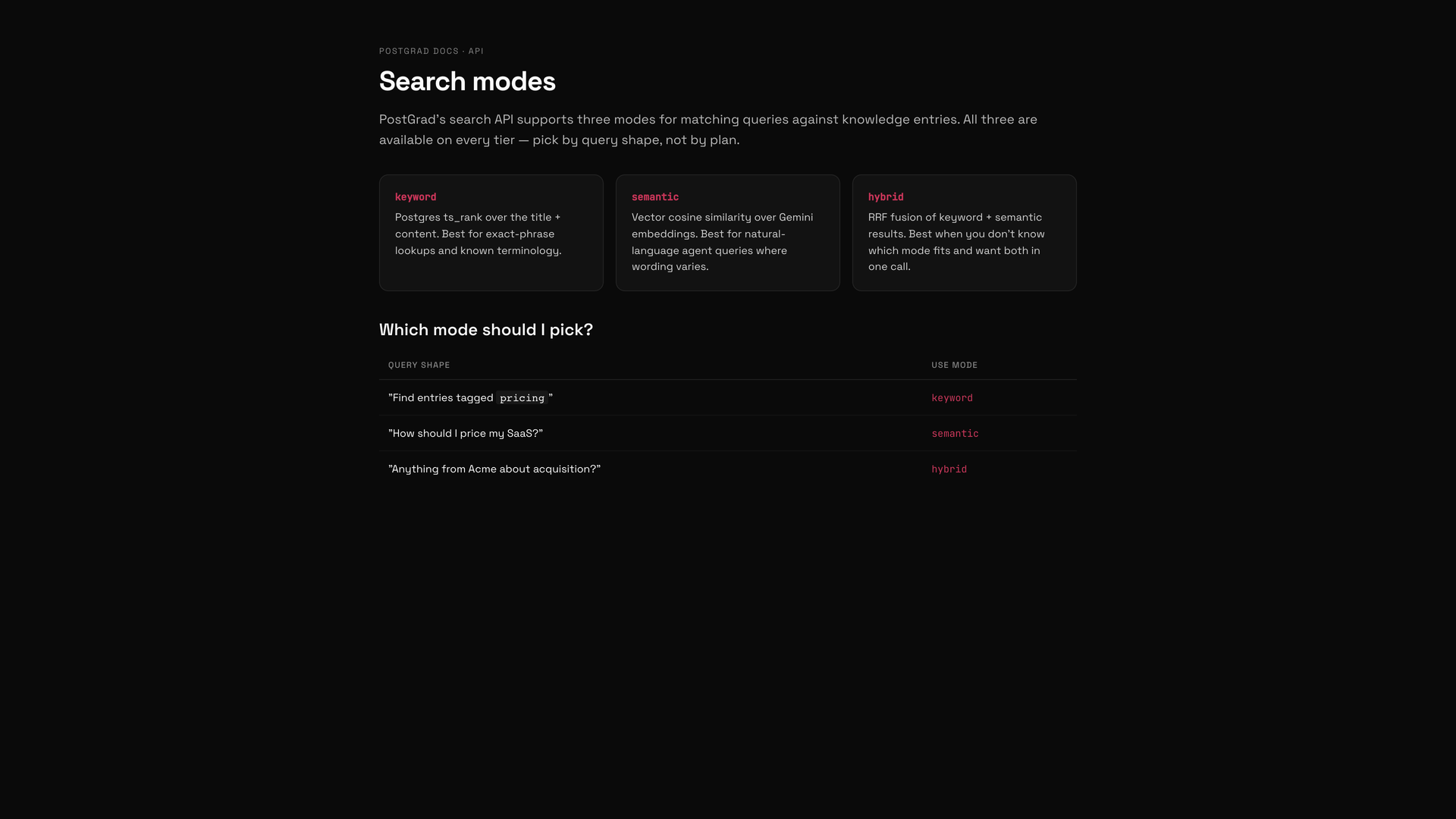
Keyword search: exact matches, Starter and up
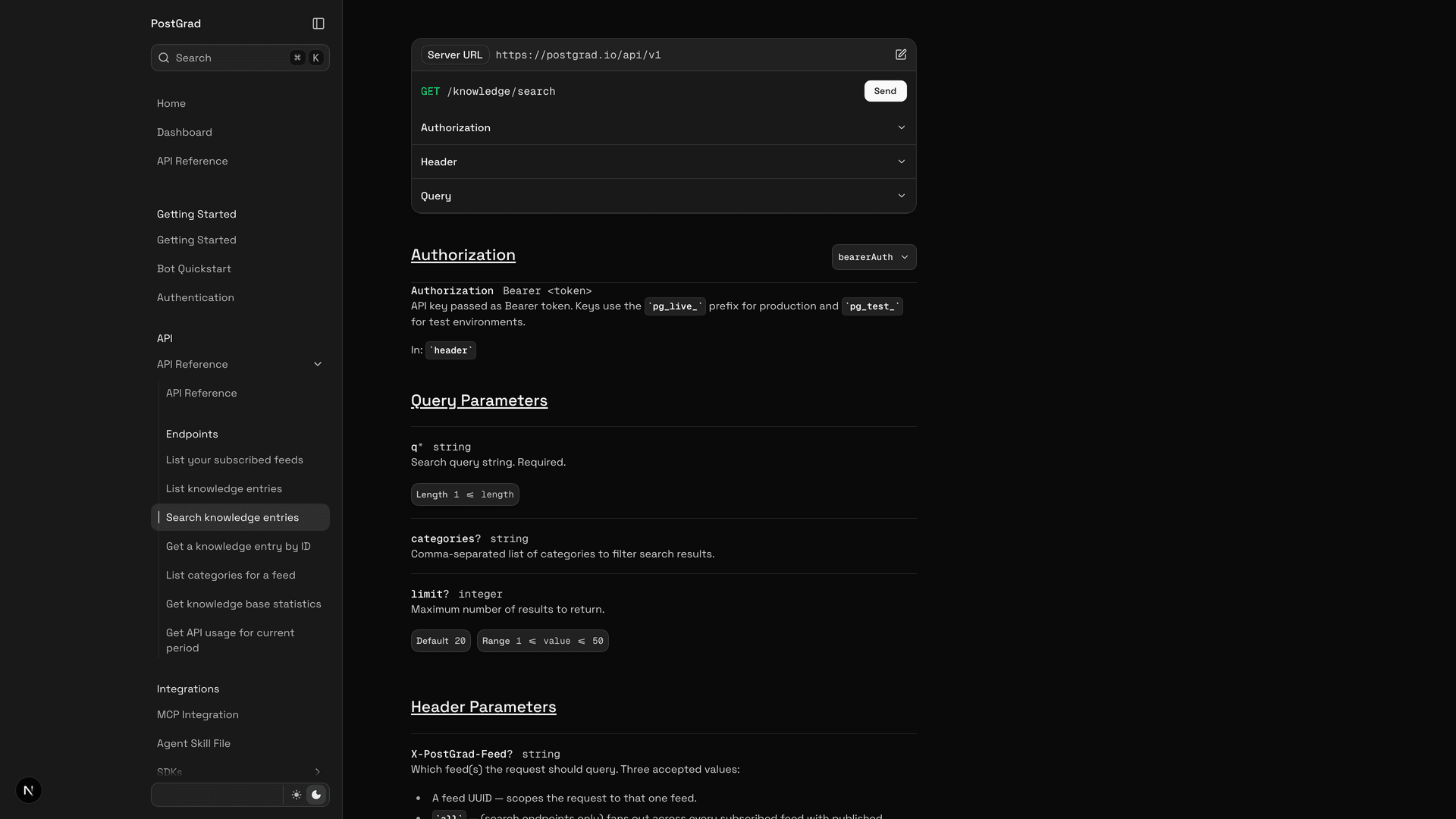
Available on every tier starting with Starter. This is the mode that's always on.
Semantic search: intent matching, Pro and up
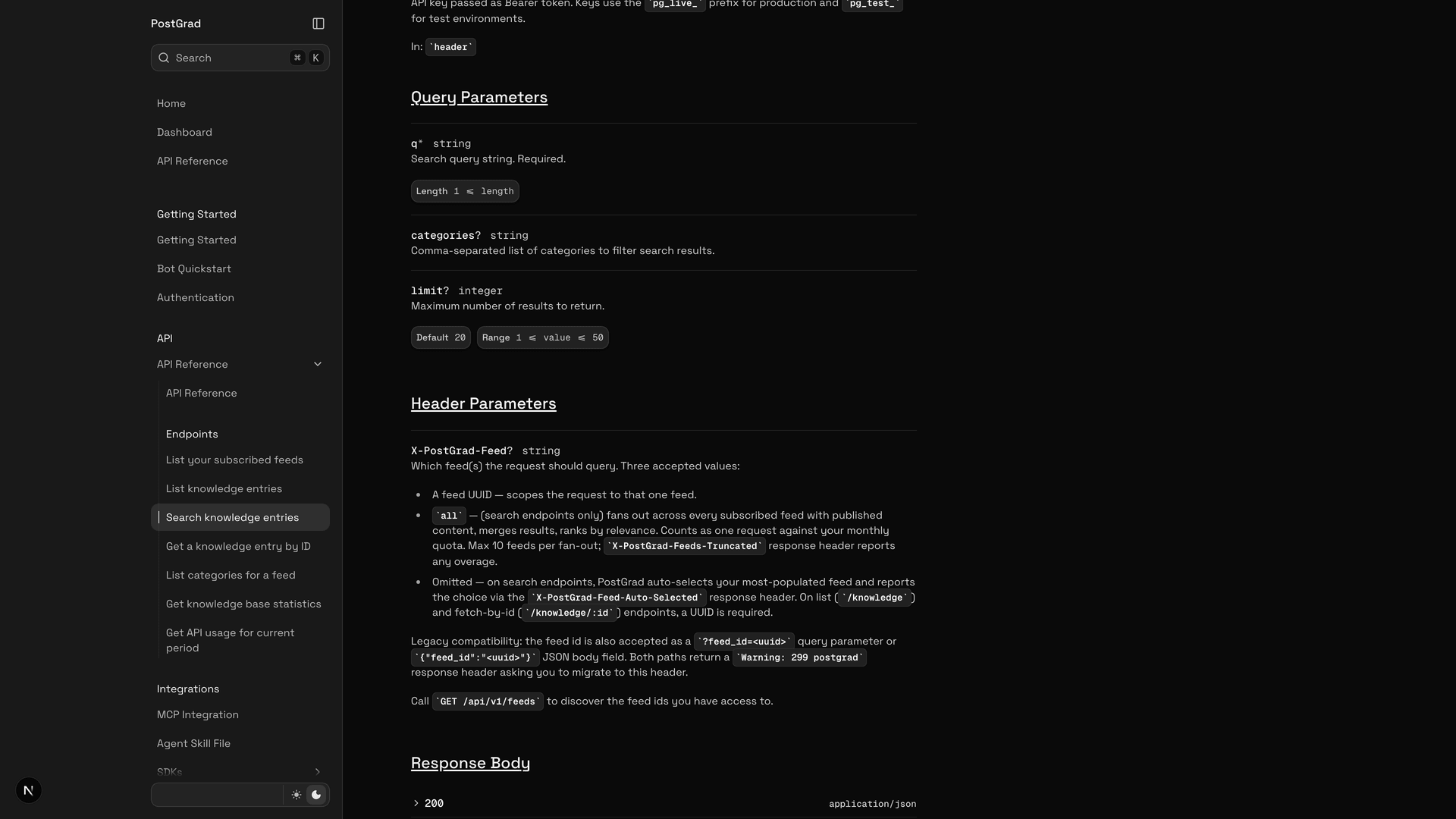
Available on every tier — semantic is a per-query choice, not a paid upgrade.
Hybrid search: both at once, every tier
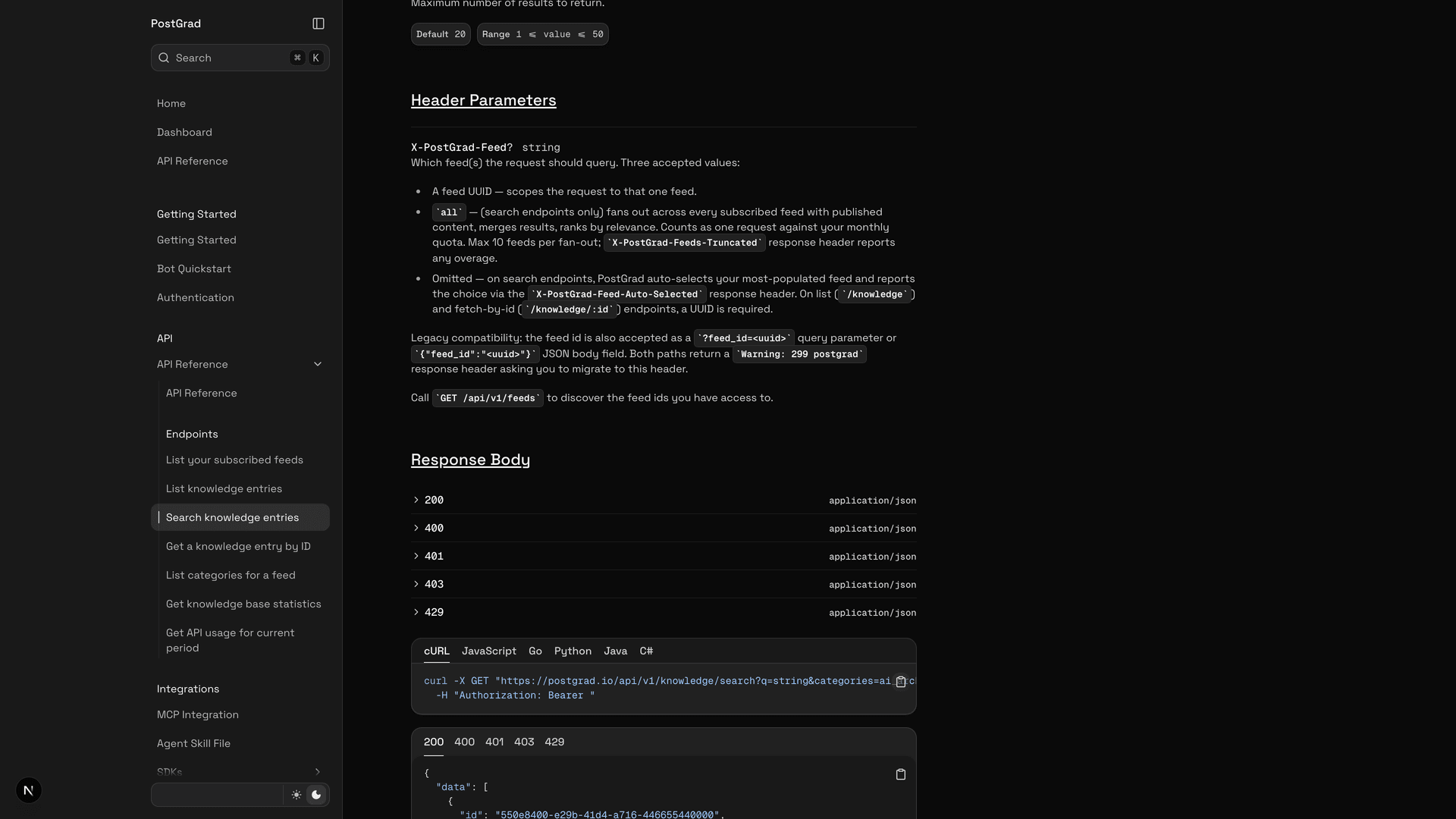
Available on every tier. Hybrid does the most work (two searches per call), so it's the heaviest mode — but it's not tier-gated; use it whenever the query calls for it.
Which mode to pick, by use case
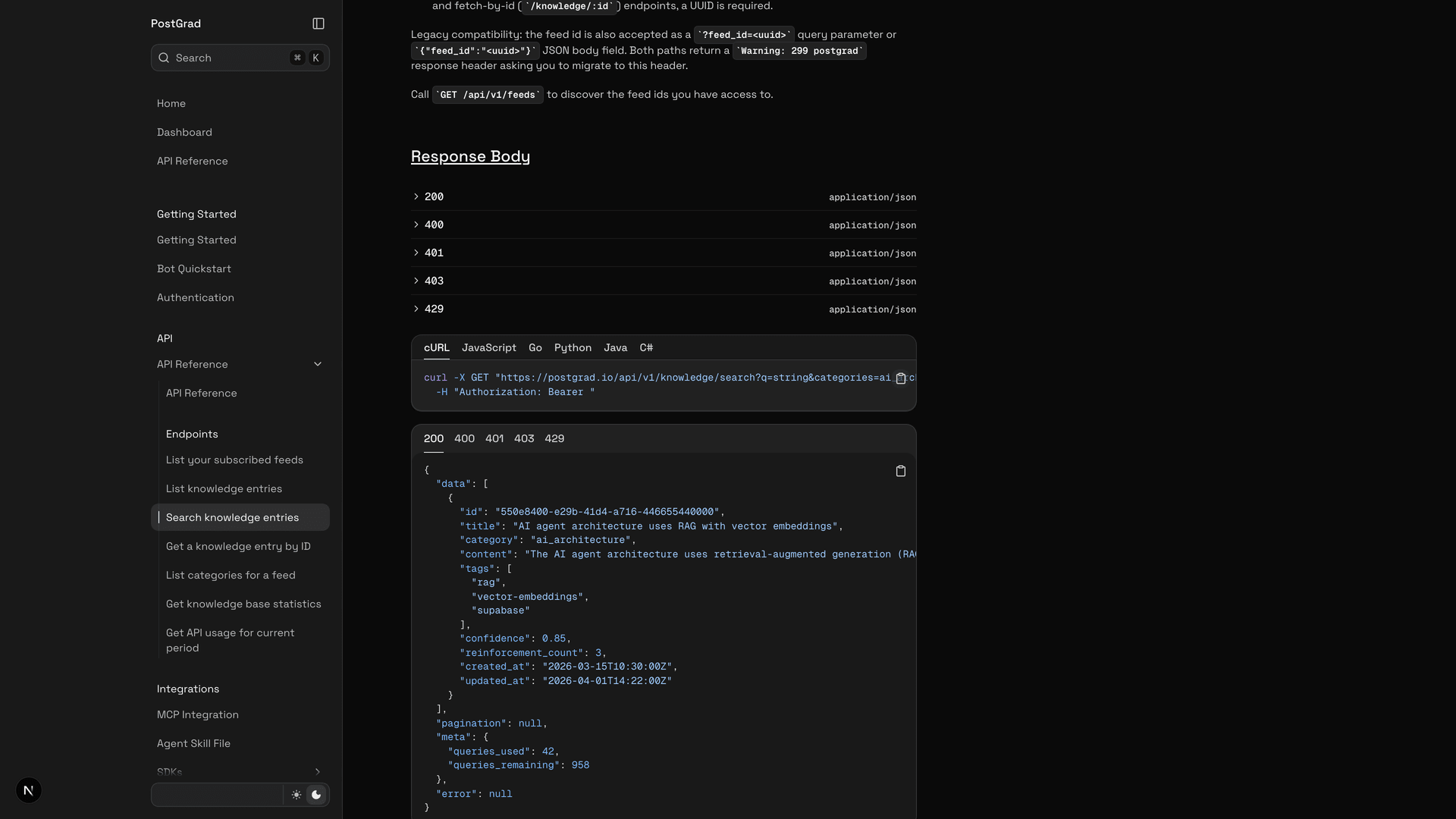
Inspect which mode your tier supports
What's next
Pick the right mode, build the right query:
- Build it into your agent — Connect PostGrad via MCP covers how to tell your agent which mode to use.
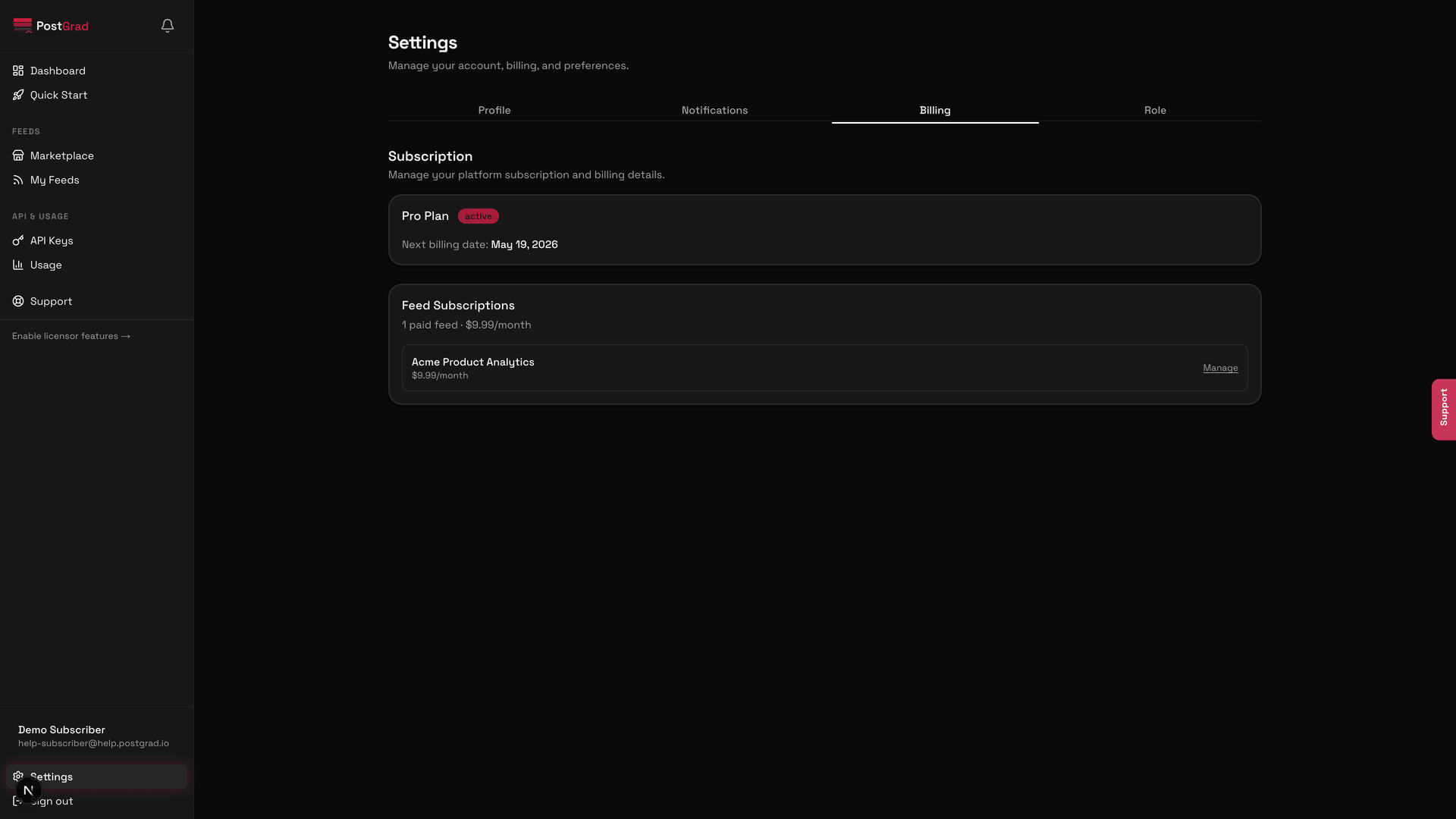
- Change tiers — Upgrade or downgrade your tier if semantic or hybrid is what you need.
- Handle the tier block — Handle errors gracefully explains what TIER_INSUFFICIENT returns and how to render it cleanly in your UI.
Connect PostGrad via MCP
Add PostGrad as an MCP server in Claude, ChatGPT, or Cursor so your agent queries knowledge directly — no REST glue code required.
Handle errors gracefully
Every error code PostGrad's API can return, what it means, and how to recover without surfacing a stack trace to your end user.